
How to organize a shared flat with chores, shopping and bills
English guide with screenshots for coordinating cleaning, common groceries, bills and payments between flatmates.
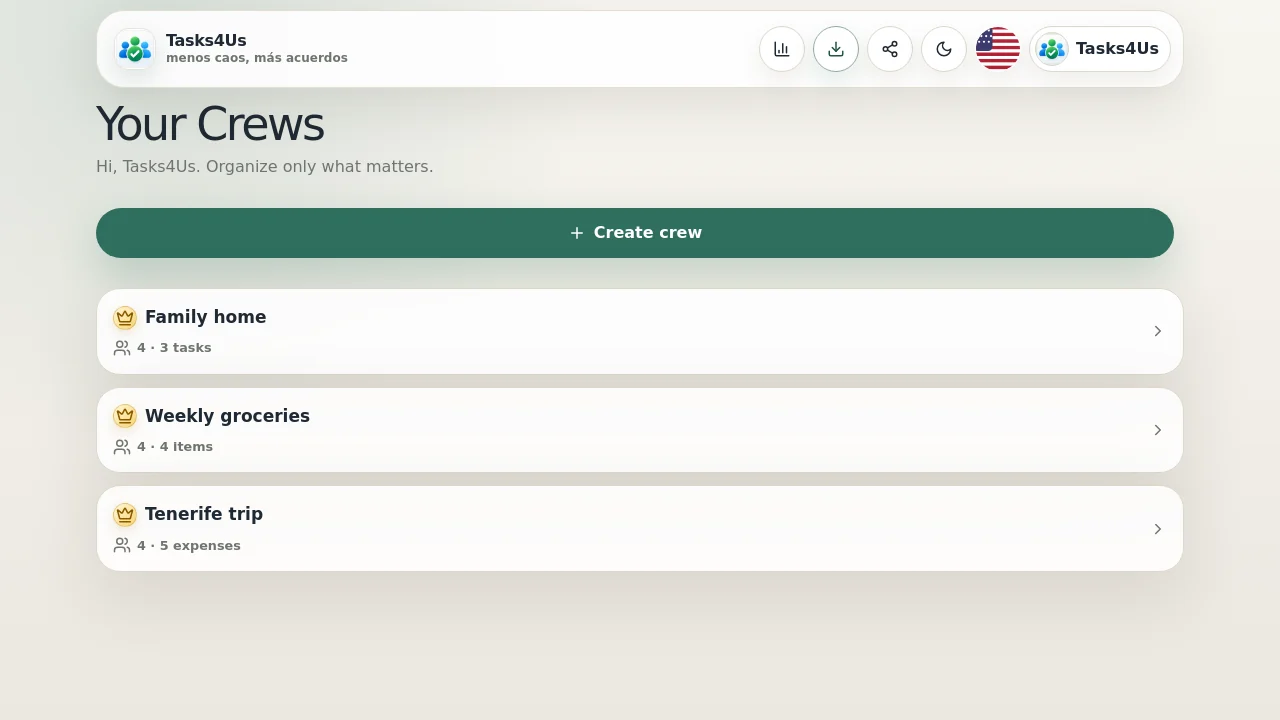
Tasks4Us works best when every group has one clear purpose: tasks, an item list or shared expenses. The examples below use real app screenshots in English, so the visual language matches this article.
Separate chores, lists and bills
In a shared flat it helps to distinguish cleaning tasks, common shopping and larger bills. Each group type has its own labels and counters.
Assign recurring or one-off chores
Kitchen cleaning, recycling or landlord messages can have visible owners, reducing arguments and repeated reminders.
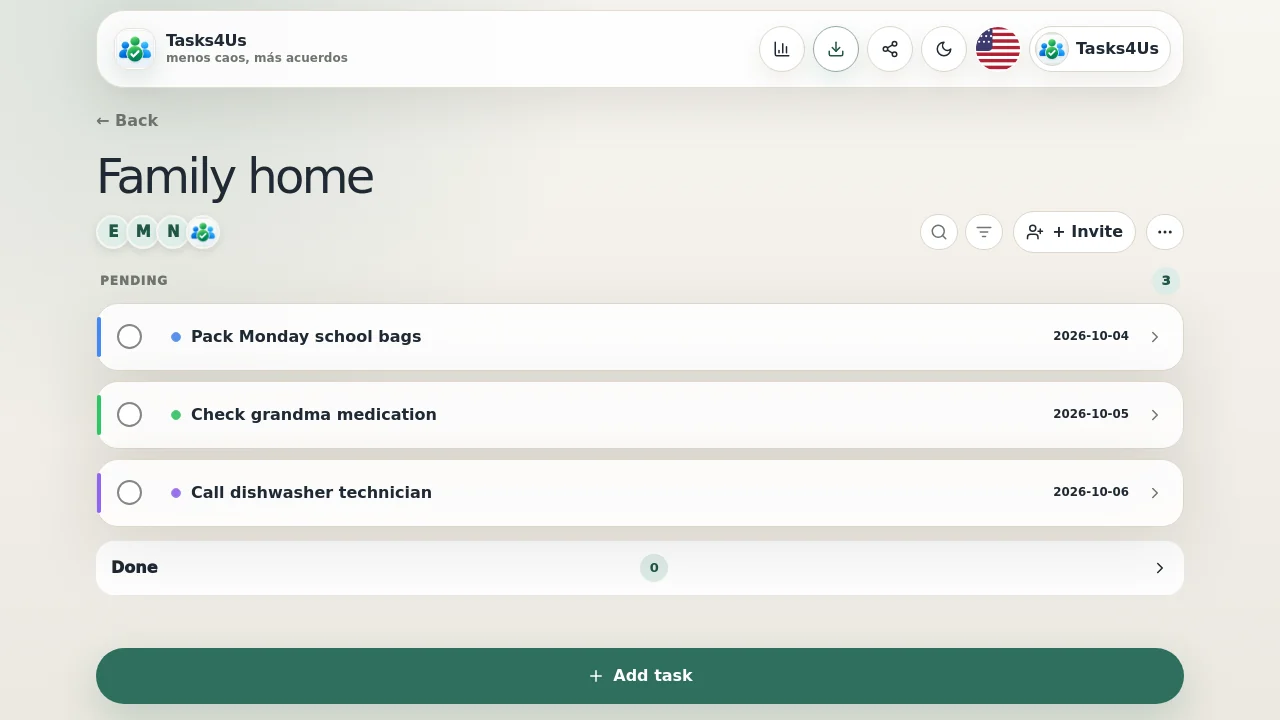
Track common shopping and payments
Common products go into an item list, while bigger payments go into shared expenses. Nobody has to reconstruct the story from chat.
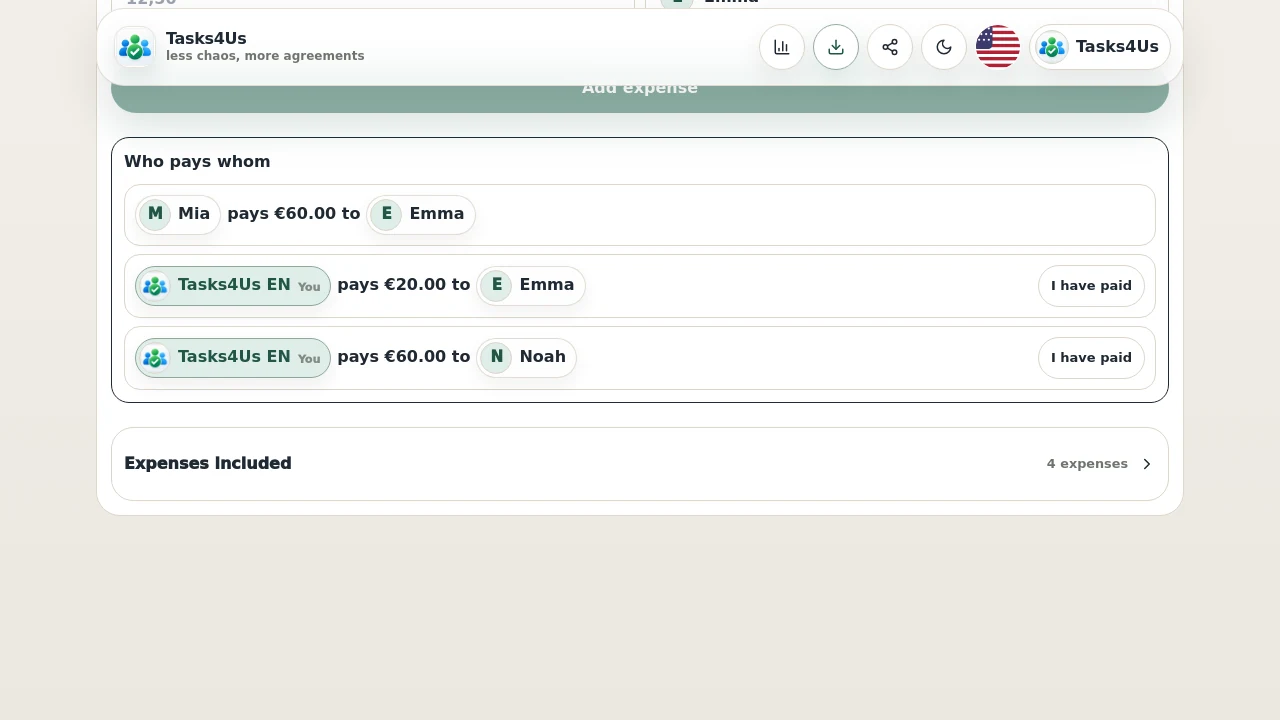
Start with one shared group.
Create a task group, item list or shared-expense group and invite the people who need visibility.
FAQ
Can all flatmates join?
Yes. Tasks4Us is designed for shared groups with invited members.
Should chores and bills be in the same group?
You can do that, but it is usually clearer to separate them when the flat is active.