
How to create a shared shopping list without duplicates
Guide with English screenshots for letting several people add products, owners and notes to one shared list.
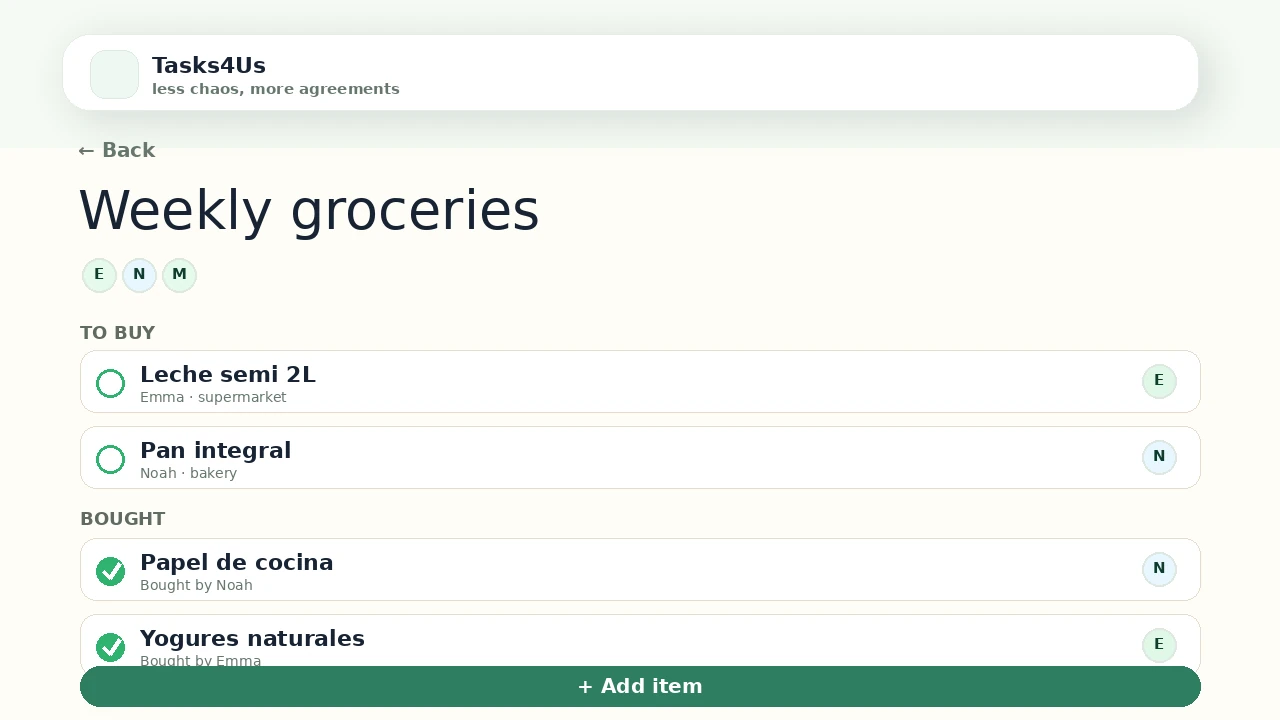
Tasks4Us works best when every group has one clear purpose: tasks, an item list or shared expenses. The examples below use real app screenshots in English, so the visual language matches this article.
Use an item-list group
For groceries, equipment or packing, an item list often feels clearer than a normal task group.
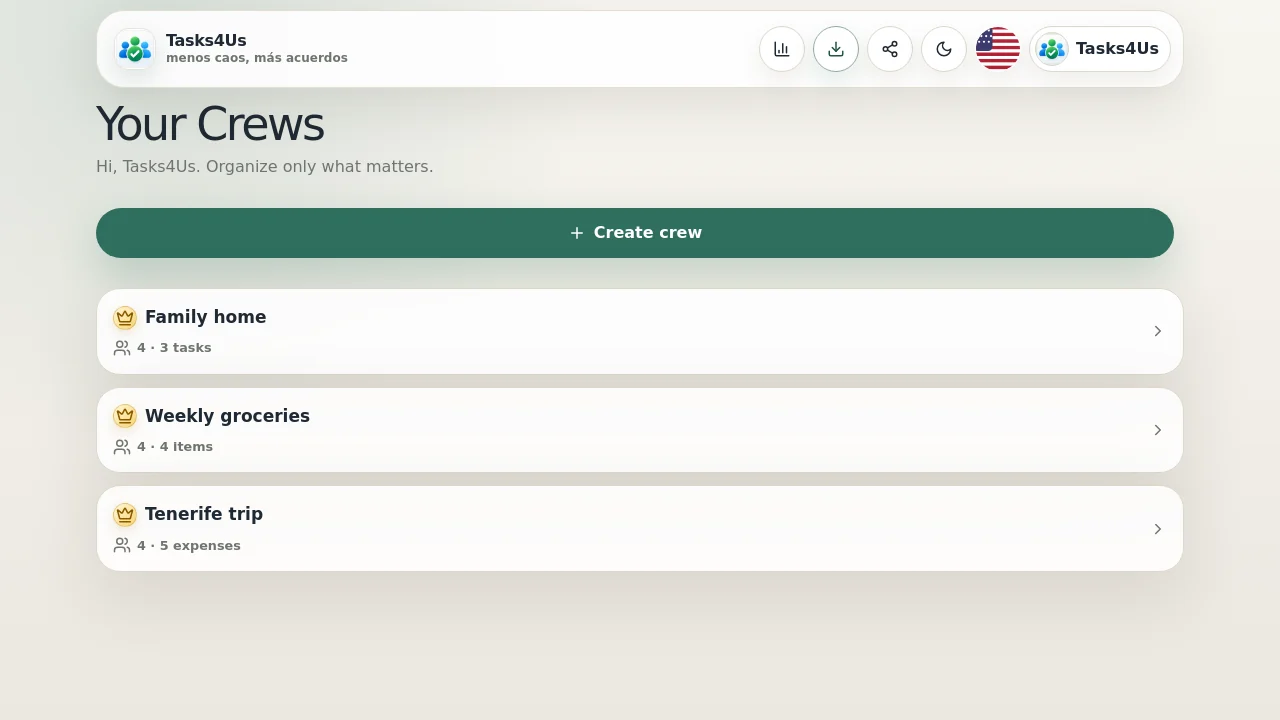
Add products with notes
Add milk, fruit, detergent or kitchen paper with short notes so people do not buy the wrong thing.
Keep pending items visible
Pending items stay visible and completed ones can be separated so the list stays useful instead of noisy.
Start with one shared group.
Create a task group, item list or shared-expense group and invite the people who need visibility.
FAQ
Is it only for groceries?
No. Use it for packing lists, gifts, event material or any shared item checklist.
Why not just use phone notes?
Because several people can see owners, status and context in the same shared group.