
How to organize family tasks without relying on WhatsApp
A practical guide with English screenshots showing how to turn family chores, school errands and care tasks into shared Tasks4Us groups.
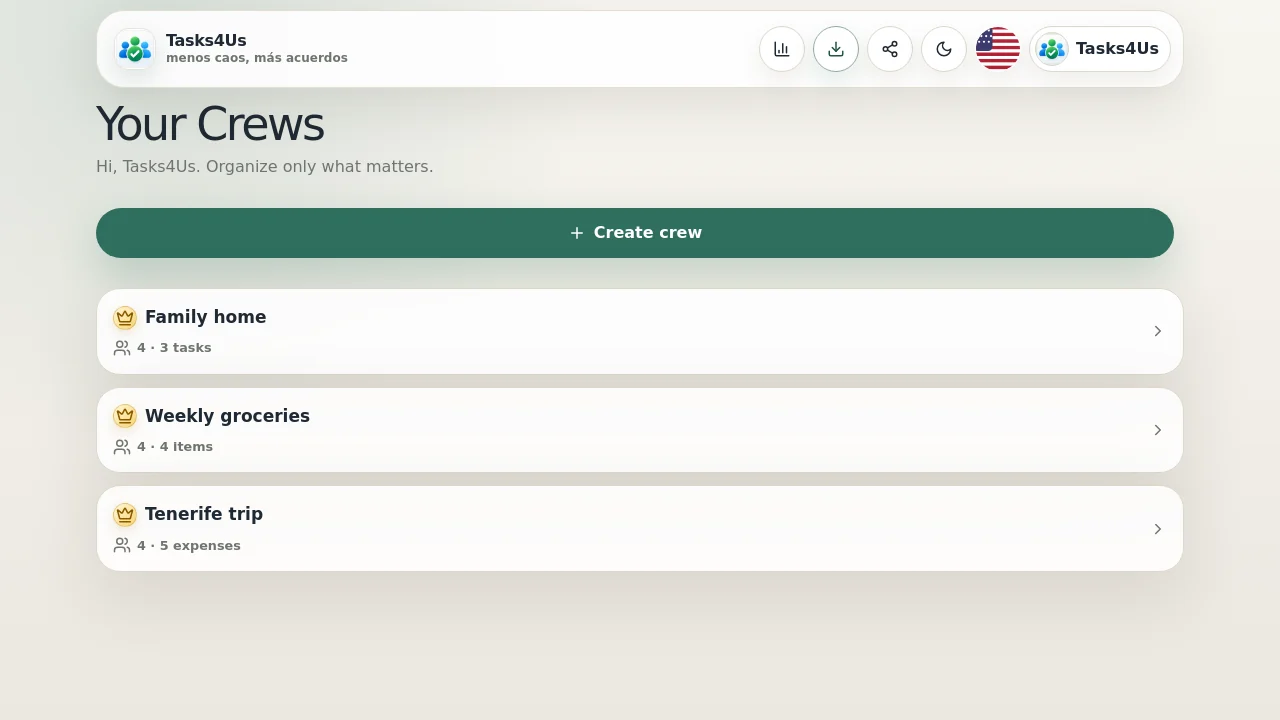
Tasks4Us works best when every group has one clear purpose: tasks, an item list or shared expenses. The examples below use real app screenshots in English, so the visual language matches this article.
Create one group for the family routine
Start with a clear group such as “Family home”. School errands, chores and care tasks stop being scattered across messages and voice notes.
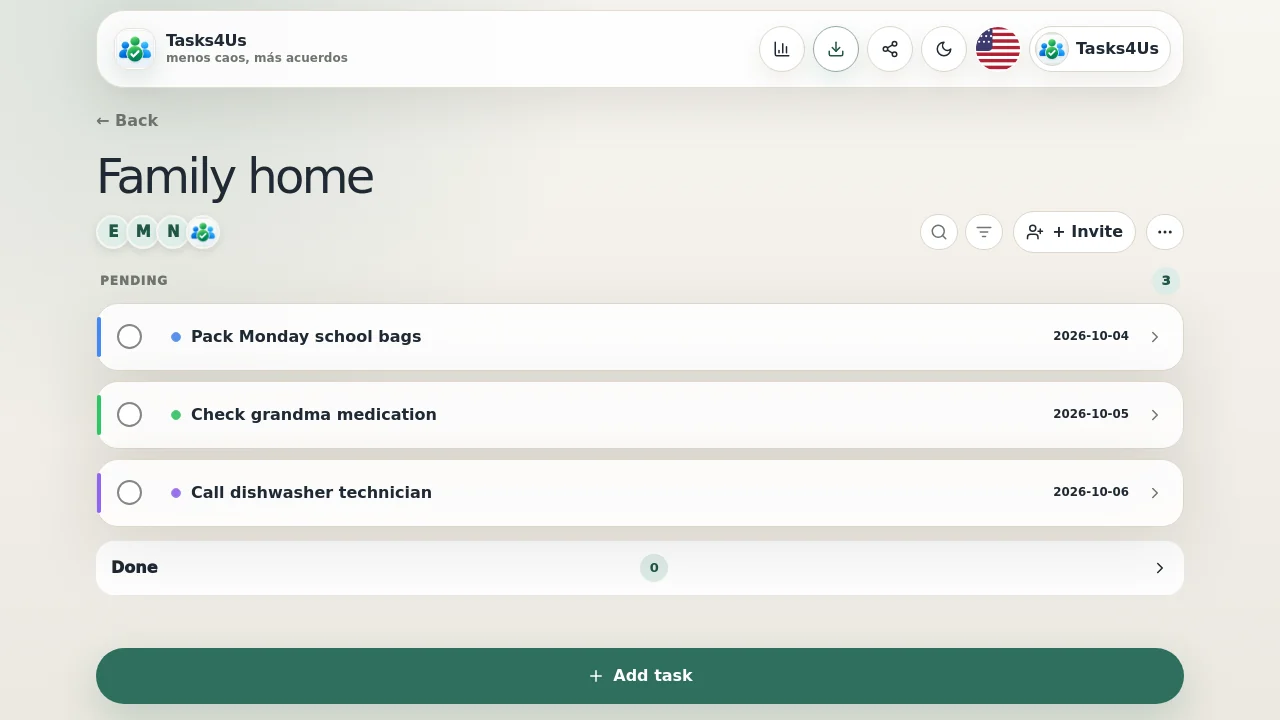
Add tasks with owner and context
Each task can include an owner, color, description and due date. Everyone sees what is pending without asking again in chat.
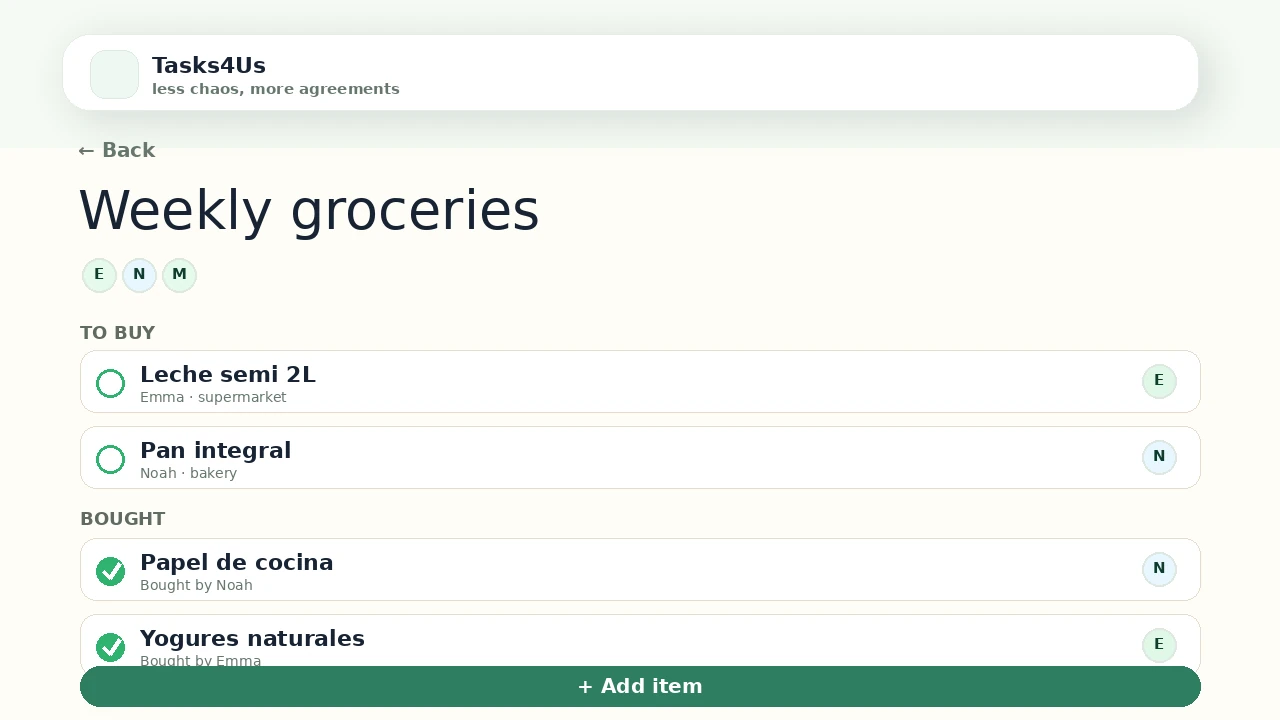
Use lists and expenses when the job changes
When the need is a shopping list or a payment, create a dedicated item-list or shared-expense group instead of forcing everything into one chat thread.
Start with one shared group.
Create a task group, item list or shared-expense group and invite the people who need visibility.
FAQ
Does Tasks4Us replace WhatsApp?
No. WhatsApp is for conversation; Tasks4Us keeps agreements visible so everyone knows what is pending, who owns it and what is already done.
Can I invite family members?
Yes. Groups are designed to be shared so each person can see tasks, lists or expenses from their phone.