
How to split group trip expenses without spreadsheets
Example with English screenshots for recording hotel, dinner, rental car and excursion payments and seeing who pays whom.
Tasks4Us works best when every group has one clear purpose: tasks, an item list or shared expenses. The examples below use real app screenshots in English, so the visual language matches this article.
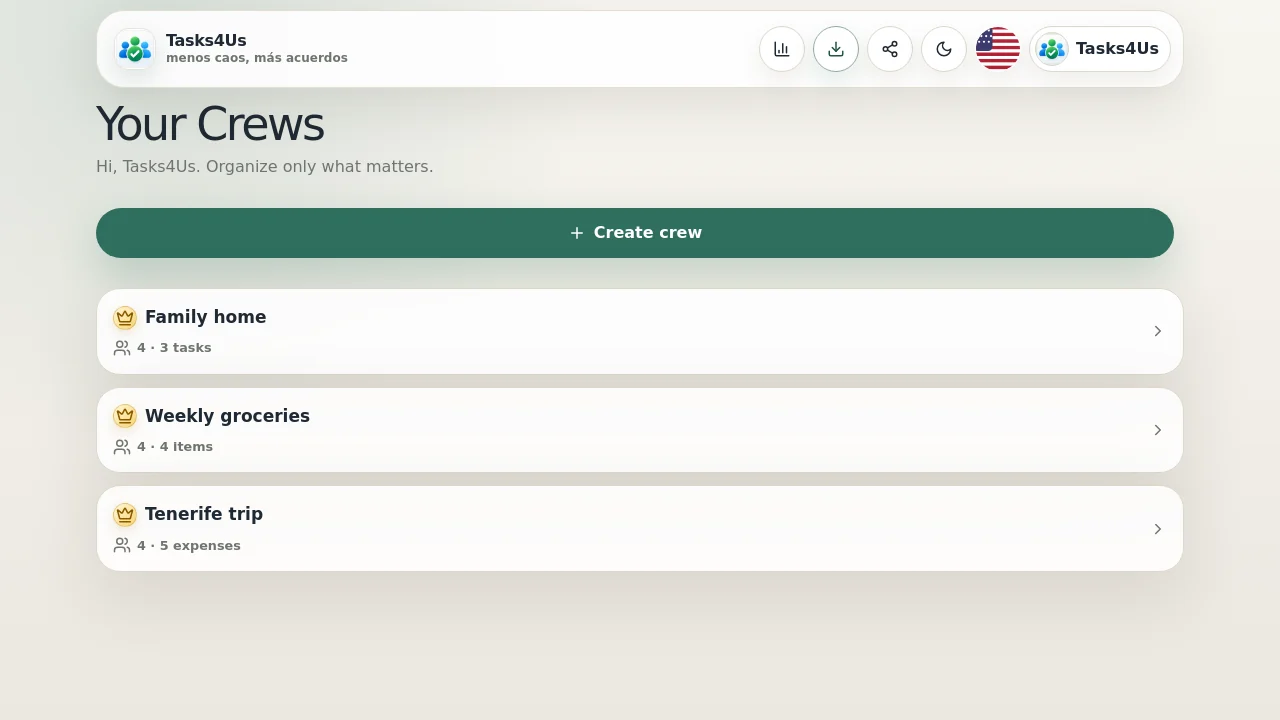
Create an expense group for the trip
A group such as “Tenerife trip” keeps travel payments separate from ordinary tasks. Hotel, dinners and car costs do not disappear in chat.
Add each expense and who paid
Record the concept, amount and payer. The English screen shows “Concept”, “Amount”, “Paid by” and “Add expense” clearly.
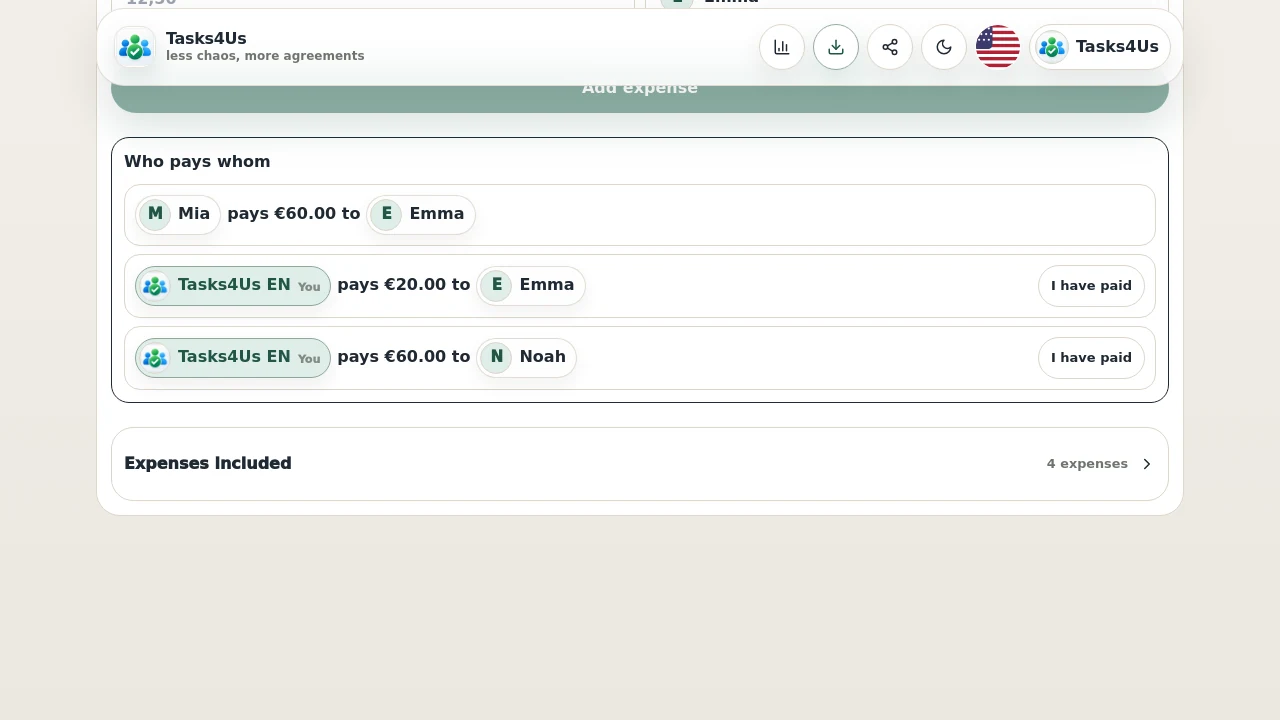
Close the account when the group is ready
Once everyone has added payments, close the account to review who pays whom. The original expenses remain available for context.
Start with one shared group.
Create a task group, item list or shared-expense group and invite the people who need visibility.
FAQ
Is this useful for trips with friends?
Yes. It is useful when one person pays the hotel, another pays the car, another pays fuel and the group needs a simple settlement.
Do I need a spreadsheet?
Not for simple everyday cases. Tasks4Us lets you add expenses and calculate pending payments inside the group.