
How to avoid duplicate wedding gifts with a shared list
English guide with screenshots for organizing gifts, owners and pending purchases before a wedding or family event.
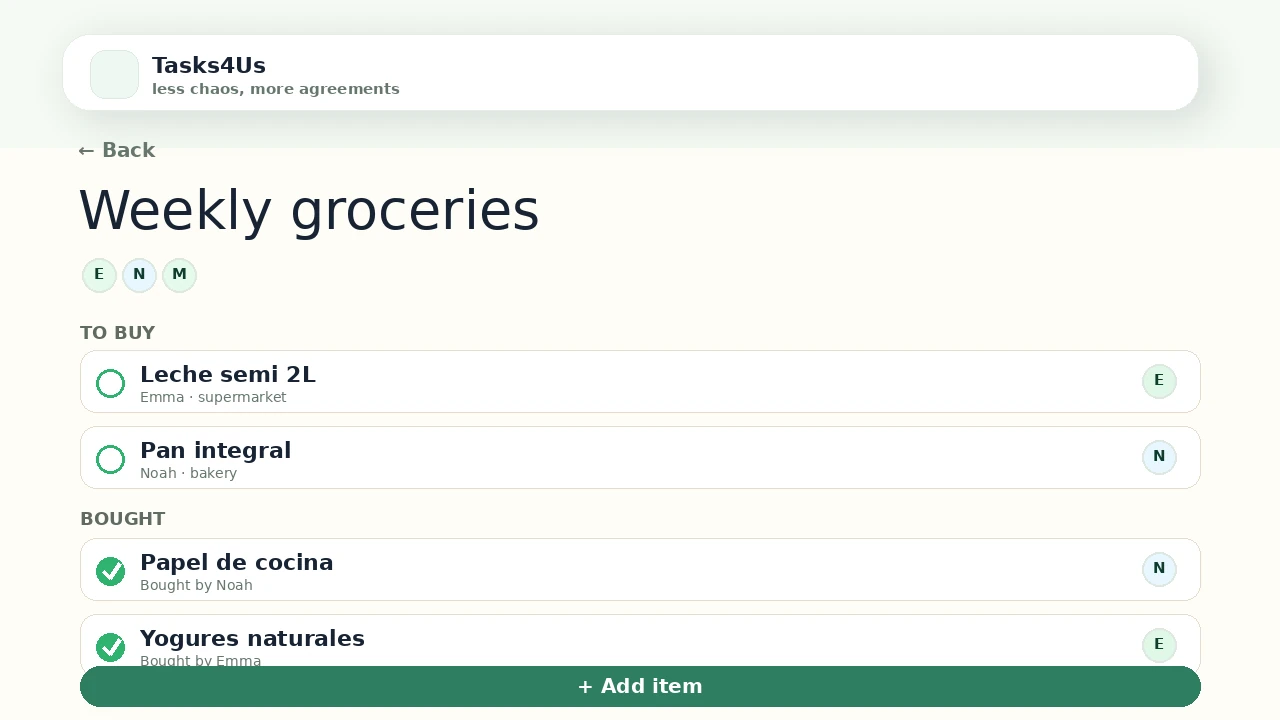
Tasks4Us works best when every group has one clear purpose: tasks, an item list or shared expenses. The examples below use real app screenshots in English, so the visual language matches this article.
Create a list for gifts
Even if the screenshot shows groceries, the same list mode works for gifts: each item is an idea or pending purchase.
Add notes to avoid mistakes
Include size, color, a reference link or the person in charge. This prevents two guests from buying the same thing unknowingly.
Keep pending gifts visible
Before the event, the group needs to know what is still missing and who is covering it. A shared list avoids duplicates and last-minute confusion.
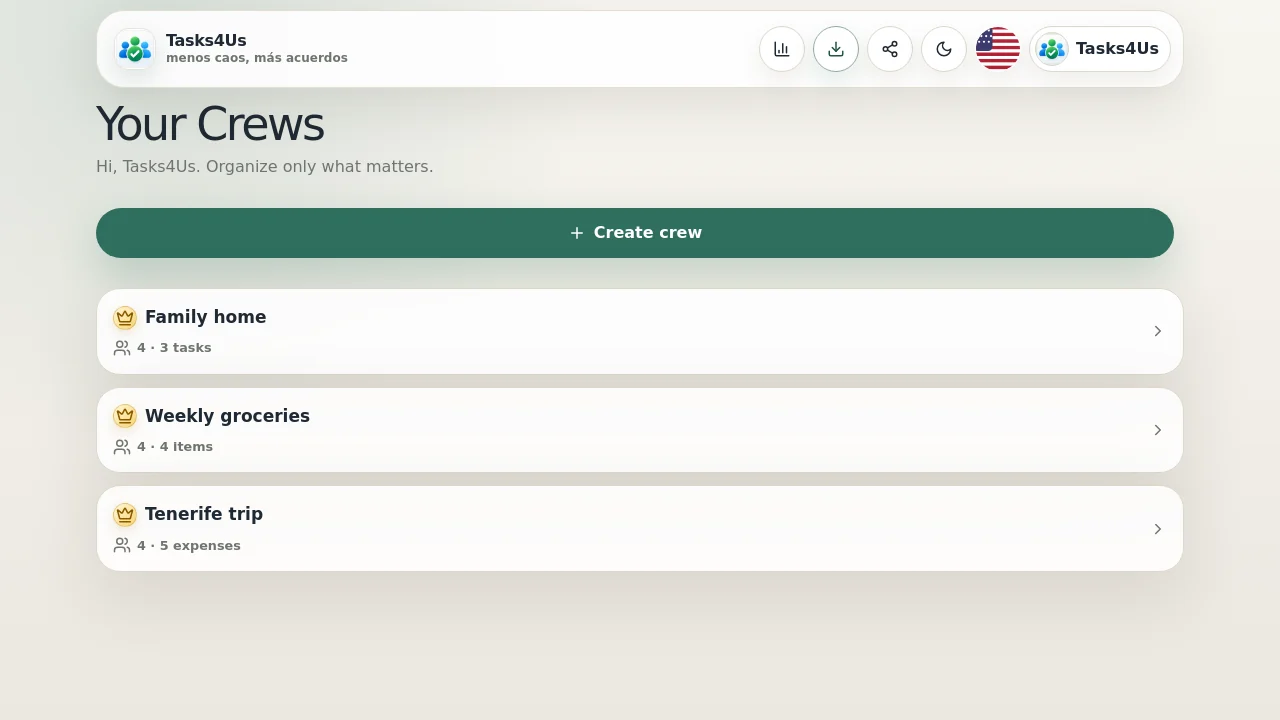
Start with one shared group.
Create a task group, item list or shared-expense group and invite the people who need visibility.
FAQ
Does it need to be called a gift list?
No. You can name the list after the event, the couple or the family group.
Does it work for other events?
Yes. Birthdays, family dinners and team events work in a similar way.